


Domain update on July 2 Saturday between UTC 8:00 and 20:00
(drawings made during this time may potentially be lost)
WARNING
This Strip is Not Safe For Work!
WARNING
Possibly naughty bits ahead!
Scroll down at your own risk!
Strip ID: 68 Created: 2022-05-29 05:28:16 Panels: 13/13 Likes: 0 Comments: 11

Group: tools
Contributors


Presents
Stress test
SHOW FRAMES


2022-05-29 05:39:49


2022-05-30 00:46:53
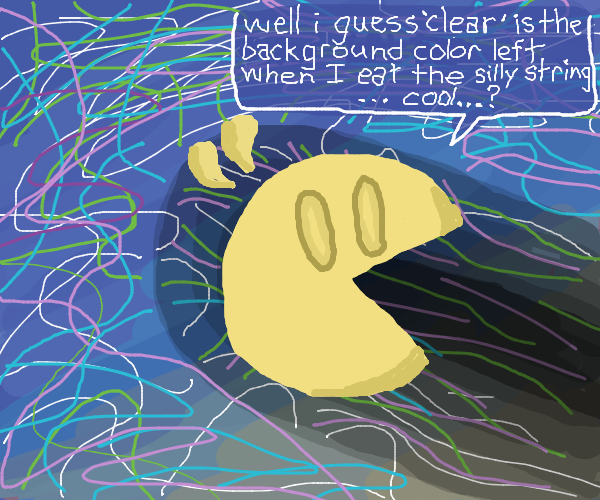

bit of Samsai pacman
2022-05-30 09:33:54

2022-05-30 16:21:52
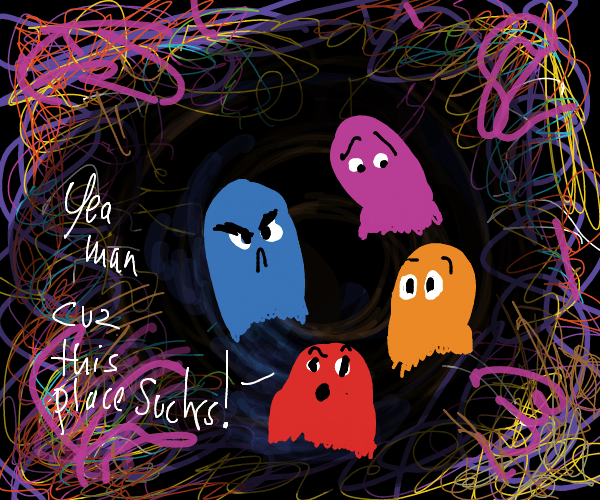
2022-05-31 22:08:27

2022-05-31 23:27:30
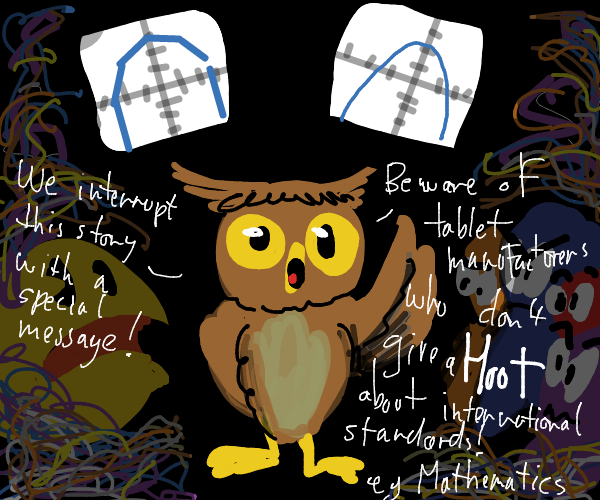
2022-06-01 03:03:22

2022-06-01 03:36:57
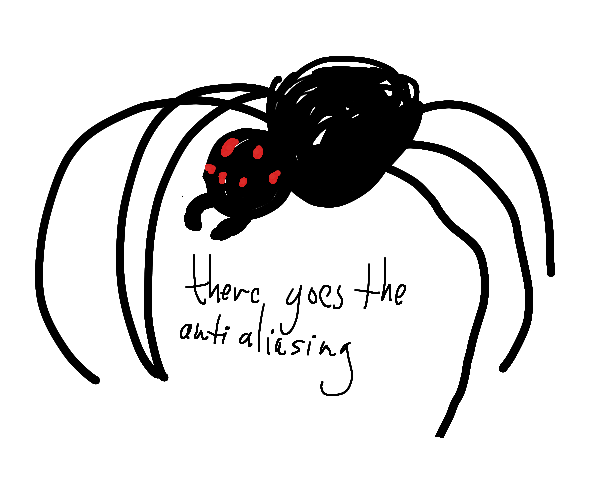
2022-06-01 05:41:21
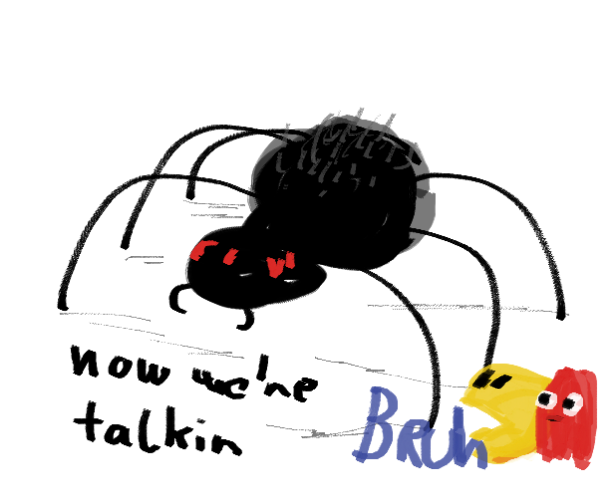
2022-06-01 06:23:39

2022-06-01 07:32:38
2022-06-04 01:45:54

Its kinda Bad
2022-06-04 06:04:56

PREV
XXX
NEXT
12345678910111213
LIKES: 0
Comments
Peyo
2022-05-29 05:41:12
#1
similar test stressing to what Raz did
now that the undo/redo is in (Z Y) I thought I also test it
I had a theory that PJ got slow because as the image got more complicated the png it stores as undo took more and more time to compress .. but it seems it was something else
it can definetly take the abuse
Peyo
2022-05-29 05:41:53
#2
and indeed this image is about 700kb so this part works
Peyo
2022-05-29 05:43:51
#3
however indeed the canvas being on the left feels annoying .. maybe I should rethink this design (again)
perhaps some info like what you are drawing for could be only visible on a modal/popup .. hmm
Peyo
2022-05-31 03:14:36
#4
my face got white wall after seeing the second panel thinking the line smoothing got broken..
now I don't know know if Wizard has drawn it when it was momentarily broken..
or his tablet doesn't support canvas quadratic curves..
or he simply scribbled so fast the tech couldn't keep up 😵
Peyo
2022-05-31 04:03:13
#5
wall white .. nevermind (it looked like my avatar rn)
Wizard Croissant
2022-05-31 23:58:20
#6
Fast strokes don't smooth on my tablet. A slower, more steady stroke is smooth, though it's hard to tell because my slow lines are wiggly. It's not much of a bother.
Peyo
2022-06-01 03:06:01
#7
I know that javascript implementations differ between browsers but this is beyond crazy.. (speed shouldn't matter at all.. like it's all software rendering.. how on earth they even did it? O_o)
Wizard Croissant
2022-06-01 03:47:11
#8
S Pen is Wacom based. Anyone else using Wacom having the same issues?
Peyo
2022-06-01 04:46:38
#9
ok this bothers me enough that I made a mini test site:
(all it does is draw a single blue quad curve with javascript)
[http://www.panelchutney.testhosting.hu/quad/](http://www.panelchutney.testhosting.hu/quad/)
and it's amazing: on my phone it seems it indeed looks as if it's made out of multiple straight lines O_o
(but so far I have found info if anyone else experienced this)
Peyo
2022-06-01 05:38:42
#10
ok I added a new tool (same as the normal brush but for this one I'm doing the bezier calc myself)

it's below the filled circle tool, please see if it makes any difference
Peyo
2022-06-01 06:24:14
#11
.. and I couldn't help myself and turned it into an actual new brush
Preview
Comment
